6 Best Journaling Fonts for Writing Down Your Thoughts
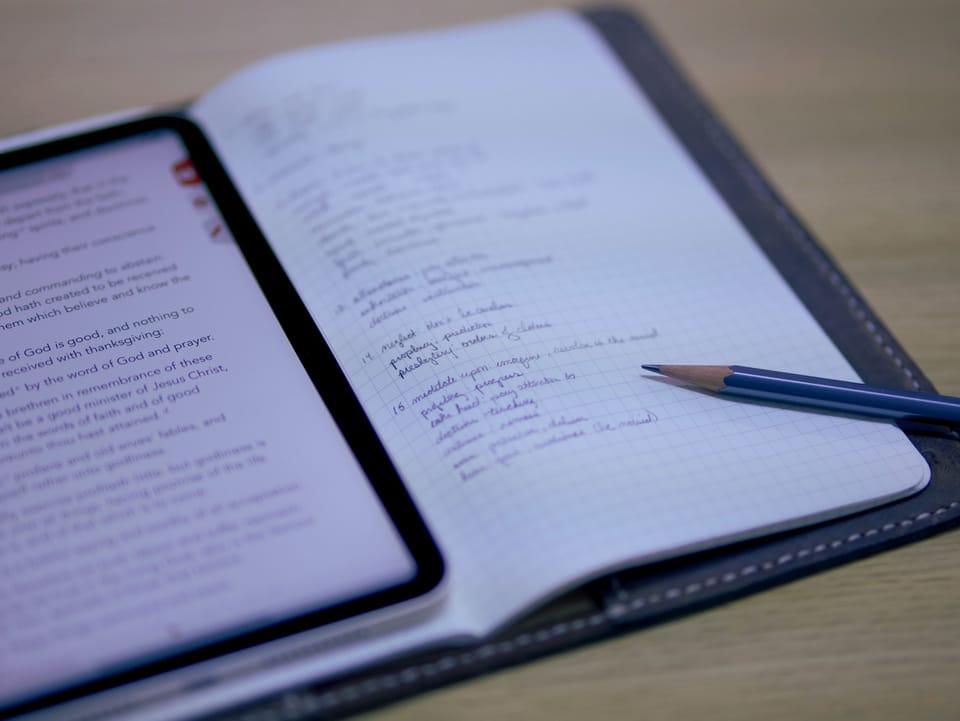
Digital journaling gives you something traditional paper rarely can — true personalization. From the layout of your planner to the color of your ink, every detail can be shaped to match your mood, your workflow, or the stories you want to preserve. And one of the most powerful choices you make is the font. A great journaling font can help you feel calm, stay motivated, or express your creativity as you move through your day.
In this guide, you’ll discover six of the best fonts for digital journaling, grouped by style so you can find the one that fits your planning habits, aesthetic preferences, and emotional connection to your digital notebook.
Professional Journaling Fonts
Professional journaling fonts are clean, structured, and intentionally easy to read, making them perfect for more organized types of journaling, such as digital planning, to-do lists, study notes, and daily reflections. Their clarity minimizes visual clutter, allowing your ideas to flow smoothly without distraction. These fonts create a strong visual foundation and ensure your layouts feel organized, especially when you’re working across multiple linked planner pages or using advanced features like Goodnotes’ hyperlinks and integrated calendars.
Popular options include Sans Serif families such as Inter and Poppins, as well as classic Serif fonts like Garamond and Merriweather. These well-known fonts remain favorites because they offer reliability and smooth readability across devices.
Font #1 available on Webudding:
Clean Note – A neat, structured style with balanced spacing, Clean Note brings order to any digital planner or journal. Its stable design works beautifully across gratitude journals, bullet-style logs, and organized daily pages.
Font #2 available on Webudding:
Short Note – This friendly and cleanly shaped font includes small decorative elements that can add personality to your notes or planning spreads. It’s ideal for anyone wanting a streamlined journaling experience with a touch of charm.
Casual Journaling Fonts
Casual fonts offer a relaxed feel that mirrors the natural flow of writing while remaining highly readable. They’re wonderful for reflective entries, expressive planning pages, mood tracking, or documenting meaningful everyday moments. These fonts help create a softer, more approachable look on your digital pages — perfect when you want your journal to feel comforting or conversational.
Well-known options include Berkshire Swash, loved for its elegant script flow, and Satisfy, a modern brush-style font that adds softness to page layouts. They bring personality without overwhelming the structure of your planner.
Font #1 available on Webudding:
Let's Lecture – Designed to feel approachable and fun, this font brings warmth to your digital notes, planners, and journals. It strikes a perfect balance between expressive style and everyday usability.
Font #2 available on Webudding:
Rainbow – Lighthearted and smooth, Rainbow adds personality to any digital planner or journal without overwhelming your page. It’s enjoyable to use and stays easy on the eyes during longer writing sessions.
Creative Journaling Fonts
Creative fonts give your digital pages an extra dose of individuality. These expressive styles often have distinctive shapes, dramatic proportions, or themed aesthetics, making them perfect for moments when you want your digital layout to make a statement. Because they draw attention, they’re best used for section headers, page titles, vision boards, themed monthly dashboards, or decorative accents.
Familiar options include Bebas Neue, known for striking, modern headlines, and Chalkduster, the nostalgic chalk-inspired font available on Apple devices. They add flair without needing additional graphic elements.
Font #1 available on Webudding:
OdRetroDot – Perfect for retro lovers and anyone who enjoys gaming-inspired aesthetics, OdRetroDot adds whimsy to dashboards, banners, and themed spreads in your digital planner or notebook.
Font #2 available on Webudding:
THEDoodle – Playful and energetic, this font is filled with creative charm thanks to its uniquely dotted style. It’s ideal for adding visual interest to headers, dividers, or personalized layouts.
So, What Is the Best Font for Journaling?

The best journaling font is the one that supports your workflow and keeps your writing experience comfortable, especially during long reflection sessions or dense planning days. Choose a default size and color that enhances readability across different lighting environments or devices, as these small decisions significantly impact your overall journaling rhythm.
Most note-taking apps, including Goodnotes and Notability, allow you to install custom fonts with just a few steps. Once added, these fonts sync across devices so your digital planner stays consistent whether you’re journaling on your iPad, laptop, or phone.
A helpful tip: Set up specific “Favorite” text styles inside your app. Try designating one as your go-to planning font and another as your journaling font so you can switch between them instantly.
Personalize Your Digital Journal or Planner With Webudding
The right font doesn’t just change how your digital journal looks — it transforms how it feels. It's a simple yet meaningful way to make your digital planner, notebook, or diary truly your own. Whether you want a minimalist layout or a more expressive, decorated spread, choosing the right font helps set the tone for your digital workspace.
At Webudding, we’re committed to supporting creators and journalists alike. With a global marketplace featuring over 20,000 products and 2,000+ independent creators, you’ll find everything you need to personalize your digital space.
Our templates, digital planners, digital stickers, brushes, and accessories are designed to work beautifully with both stylish script fonts and functional productivity fonts. And with our official partnership with Goodnotes, you can trust that everything is optimized for your favorite note-taking tools.
Ready to find your next favorite font? Browse Webudding’s growing library here.
Comments ()